Wi-Fi or non-Wi-Fi baby monitor: how to choose
A non-Wi-Fi baby monitor works on its own; a Wi-Fi camera goes through your router; a hybrid model combines the two. Behind these designs lie differences in reliability, privacy and everyday use. Here is what you need to decide.
Contents
The difference in one sentence
A non-Wi-Fi baby monitor links the camera directly to a dedicated screen, by radio, without going through the internet; a Wi-Fi camera sends the picture to your router, then to your phone, often via the manufacturer’s servers; a hybrid model does both. Everything else follows from this difference: what happens when the router restarts, whether you can watch your baby from the office, where your images end up on the internet and how you receive alerts.
No design is dangerous in itself, and none replaces safe sleep. They meet different needs.
The direct link
In a direct-link baby monitor, the camera and the parent unit form a closed pair. They communicate by radio, on a dedicated frequency band, with no router or server. Most of the time, they come already paired: you plug in, switch on and the picture appears. Nothing to configure, no account, no router password to enter.
Its strengths are simplicity and reliability. The baby monitor depends only on itself: an internet outage, a router update or a flat phone have no effect. The picture never leaves the house, which limits privacy questions. Its limit is range: beyond a few dozen metres indoors, or as soon as you leave the house, you lose the signal.
The Wi-Fi camera
A Wi-Fi camera connects to your router. You watch the picture on your phone, in an app, at home and away. Most models go through a service run by the manufacturer to allow remote access. Some cameras record clips, offer a history or sleep statistics, sometimes with a subscription.
Its strengths are unlimited range and price, often lower since there is no dedicated screen. Its limits are its dependence on the network, on your phone’s notifications and on the manufacturer’s service, and greater exposure to privacy issues: a poorly protected account or a device that no longer receives updates can become a way in.
The hybrid model
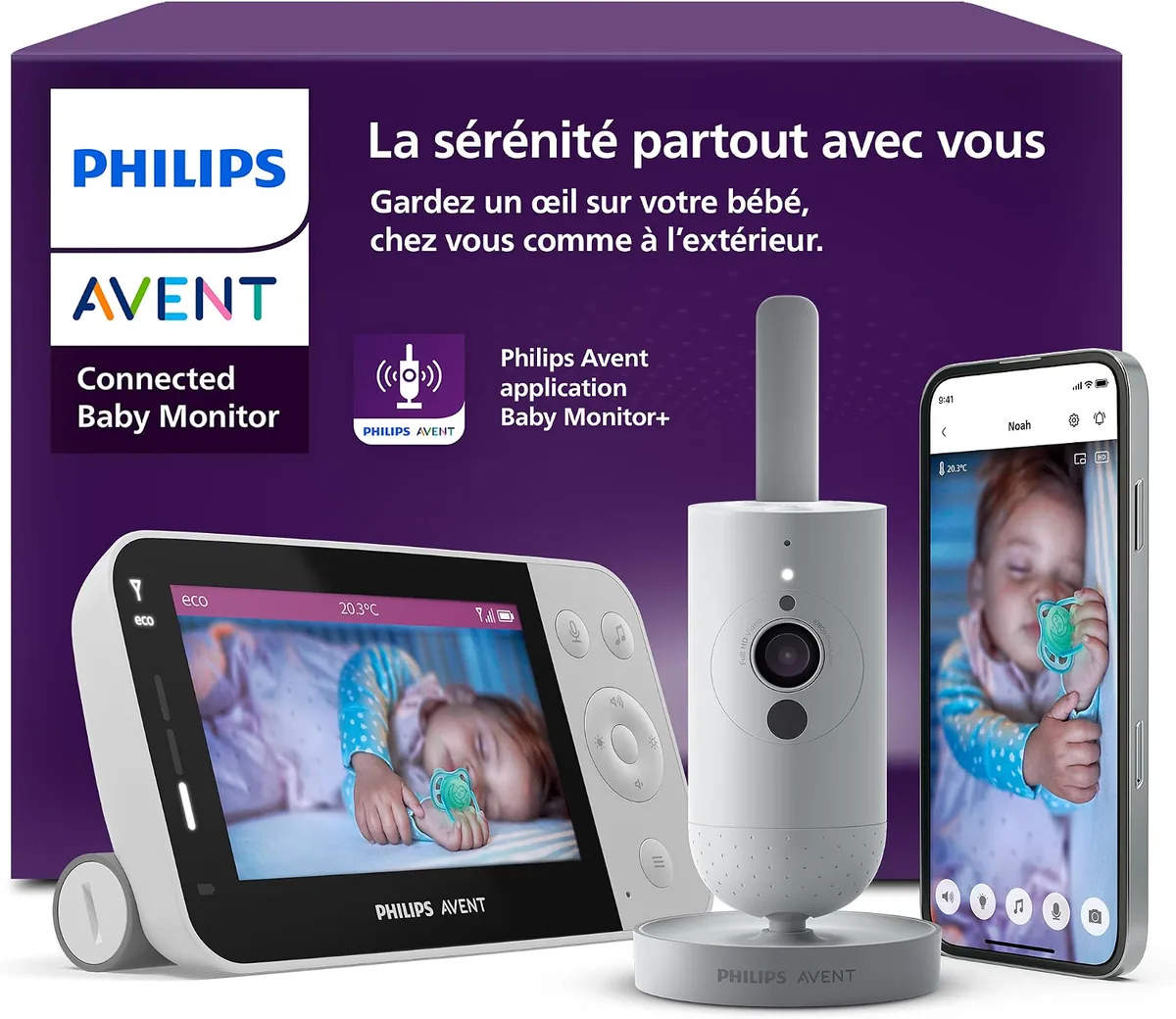
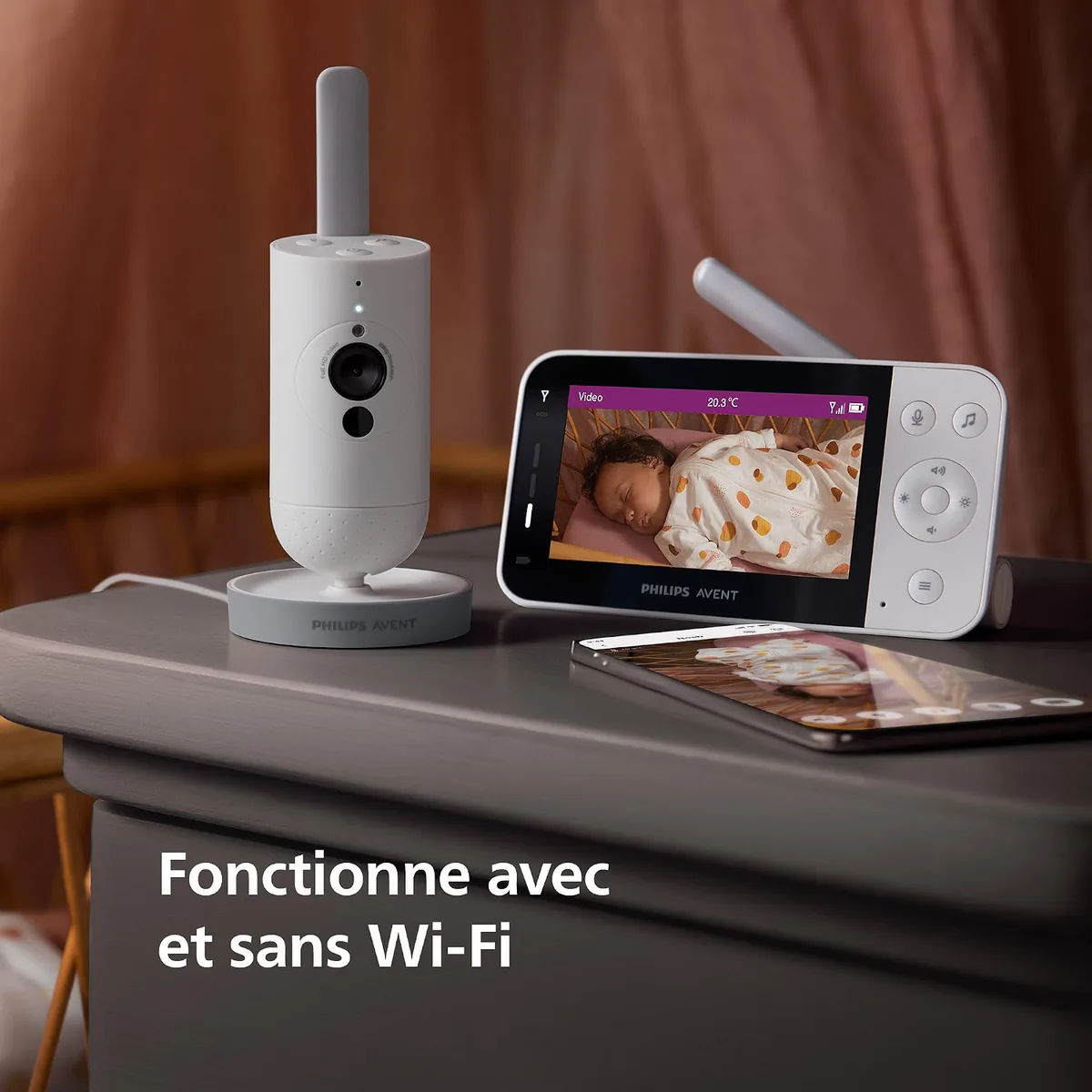
The hybrid model brings the two together. A camera and a dedicated screen communicate over a direct link, like a classic baby monitor. On top of that, the camera can connect to Wi-Fi so that an app shows the picture on your phone when you are away. The Philips Avent SCD951/26 works this way: Philips states a direct peer-to-peer and Wi-Fi link, with an optional Baby Monitor+ app.
For most families, it is the best compromise: night-time monitoring relies on the direct link, which is reliable and independent of the router; remote access remains available for days when your baby is looked after by a relative or evenings at friends’ homes.
Point-by-point comparison
| Criterion | Direct link | Wi-Fi camera | Hybrid |
|---|---|---|---|
| Set-up | Plug in and switch on | Account, app, Wi-Fi | Plug in and switch on; app optional |
| Dedicated screen | Yes | No, your phone | Yes, plus your phone |
| If the router goes down | Keeps working | No picture | The screen keeps working |
| Access away from home | No | Yes | Yes, via the app |
| Images on the internet | No | Yes, depending on the service | Only if the app is activated |
| Security to manage | Minimal | Account, updates, router | Minimal without the app; account and updates with it |
| Price | Medium | Often lower | Often higher |
These trends vary from one model to another: always read the listing and instructions for the specific product you are considering.
The question of the night
At night, you need two things: to be woken when your baby cries, and to know straight away if you are no longer receiving anything. A dedicated screen, on the bedside table and plugged in, with a connection lost alert, meets both needs well. A phone is less suitable: it can go to sleep, mute notifications in night mode, run out of battery or receive a call that interrupts the app.
That is why, for night-time monitoring, we recommend a baby monitor with a dedicated screen over a direct link, whether a non-Wi-Fi model or a hybrid one. The app remains a complement, not the heart of the system. Philips says its app can listen in the background, with the phone locked; that is useful during the day, but the dedicated screen remains safer for sleeping.
What happens if the router goes down?
Routers restart for their updates, often at night. Internet outages happen. With a Wi-Fi-only camera, an outage means no picture and sometimes no alert, without your phone always warning you. With a direct link or a hybrid model, the dedicated screen keeps receiving the picture: only the app is affected.
Run the test when your baby monitor arrives: unplug the router for a few minutes and watch what happens on the screen and in the app. You will know exactly what to expect on a night when the internet is down. Our user guide includes this test in the set-up steps.
Watching your baby from a distance
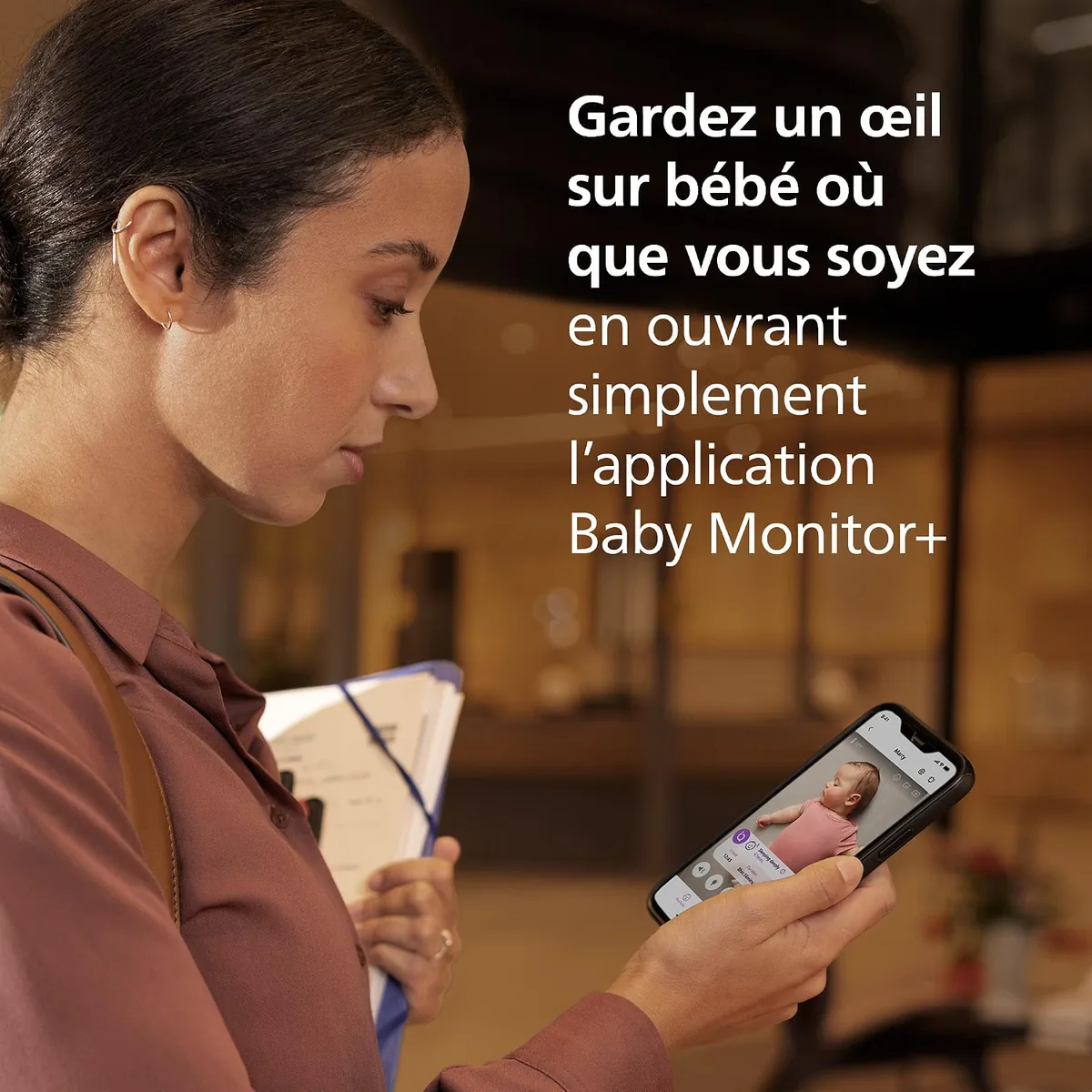
Remote access is the big advantage of Wi-Fi. It reassures parents going back to work while their baby is looked after at home, lets you take a look during an evening at the neighbours’, or keeps you connected at the far end of the garden, out of range of the direct link. With a hybrid model, the app takes over when the dedicated screen loses the signal.
This use calls for a few precautions: a strong password, a protected phone, no public Wi-Fi, and an honest conversation with the person looking after your baby. Our article on watching your baby remotely with the app covers these points.
Privacy
A camera in a child’s room films intimate moments. With a direct link, these images stay in the house. With Wi-Fi, they travel over the internet, encrypted or not depending on the manufacturer, and are sometimes stored on servers. In 2022, the Belgian consumer association Test-Achats found many security flaws in video baby monitors, especially from little-known brands. The French data protection authority (CNIL) advises changing the default settings and installing the security updates of any connected device.
Before switching on Wi-Fi, read what the manufacturer says about encryption and storage. Philips, for example, presents its Secure Connect system as several encrypted links and states that it does not store audio or video on its servers. Our guide to baby monitor hacking sets out what to do.
What about radio waves?
A baby monitor emits radio waves, whether over a direct link or Wi-Fi. The SCD951/26, for example, works on the 2.4 GHz band, used by many household devices. The French health and safety agency Anses calls for moderate, controlled use of wireless technology by children. The most effective measure is also the one cable safety requires: placing the camera more than one metre from the cot, because exposure drops quickly with distance. Our article on baby monitors and radio waves sums it up.
Your phone as the screen: a good idea?
Using your phone as the parent unit is tempting: you always have it with you, and the screen is large and sharp. At night, it has several drawbacks. It goes to sleep, mutes sounds in night mode, runs down quickly if the app runs constantly, and receives other notifications that wake you for nothing. It also brings a transmitting device closer to your pillow.
During the day, for an occasional look, the phone is very handy. At night, a dedicated screen plugged in on the bedside table remains more reliable and more restful. That is a strong argument in favour of direct-link and hybrid models.
Depending on your family
- Flat, parents always at home: direct link, no Wi-Fi.
- House on several floors, garden: direct link with good range, or hybrid if some areas are poorly covered.
- Baby looked after at home by a relative: hybrid, to watch from a distance during naps.
- Wary of connected devices: direct link, or hybrid without activating the app.
- Tight budget, remote access essential: a Wi-Fi camera from a reputable brand, with a dedicated screen or phone at night.
Start without, add it later
With a hybrid model, nothing forces you to activate the app on day one. Many parents start with the dedicated screen alone, during the weeks when their baby sleeps in their room at night and the baby monitor is mainly used for naps. They activate the app later, when they go back to work or when their baby is looked after by a relative. This step-by-step approach lets you get used to the device without immediately dealing with account and privacy questions.
The day you activate the app, take the time to set it up properly: a new, long password, updates, limited guest access. And if you no longer need it, deactivate it or remove the camera from your account: the baby monitor will keep working over the direct link.
The right questions to ask yourself
- Will I often be away from home while my baby sleeps, with someone else looking after them?
- Does my home have rooms that the direct link might cover poorly?
- Is my router reliable, and am I ready to manage an account, a password and updates?
- Do I prefer a dedicated screen, a phone, or both?
- Will the other parent, the grandparents or the childminder need to see the baby?
If you answer no to most of these questions, a direct-link baby monitor is enough. If several answers are yes, a hybrid model leaves you the choice, without forcing the app on you every day.
On holiday and away from home
When you travel, the difference between the designs becomes very concrete. A direct-link baby monitor works the same way in a holiday rental, at the grandparents’ or in a hotel room: you plug in both units and the picture appears, with no network to set up. A Wi-Fi camera, on the other hand, has to be reconnected to a new network, sometimes a shared or public one, which is exactly what consumer associations advise against for this kind of device.
With a hybrid model, the simplest approach is to use only the dedicated screen while you are away, and leave the app aside. Before the first nap, check the range in the unfamiliar building: thick old walls or a room on another floor can cut the link. And apply the one-metre rule as strictly as at home: in a room you do not know, with a travel cot set up in a hurry, the camera easily ends up too close.
Price and length of use
A baby monitor is generally used for a few years, sometimes for several children. A connected model will be used as long as its manufacturer maintains the app and publishes updates: that is a durability criterion to take into account. A direct-link model works as long as its components last, without depending on an outside service. A hybrid model combines the two: if the app were one day no longer maintained, the dedicated screen would remain usable.
If you are unsure about a setting, the instructions and the manufacturer’s support page remain the most reliable references.
The case of the Philips Avent SCD951/26
The SCD951/26 is a good example of the hybrid approach. Philips states a direct peer-to-peer link between the camera and the parent unit, with a range of up to 50 metres indoors and 400 metres outdoors, and a Baby Monitor+ app that extends the range with no distance limit, via the internet. The two units come paired, and the app connects whenever you choose.
That is why we chose it: basic monitoring does not depend on the router, and remote access remains available. Its price is higher than that of a video baby monitor without an app; if you know you will never watch your baby away from home, a direct-link-only model will save you money. See our full review.
Our advice
- For the night, choose a dedicated screen over a direct link, plugged in, with a connection lost alert.
- Choose Wi-Fi only if you need to watch your baby away from home.
- With a hybrid model, activate the app when you need it, and secure it.
- Whatever you choose: camera and cable more than one metre from the cot.
Frequently asked questions
Is a non-Wi-Fi baby monitor safer?
For privacy, yes: the images never leave the house. For your baby’s safety, it is the set-up that counts, whatever the model.
Can you use a Wi-Fi baby monitor without the internet?
A Wi-Fi-only camera, no. A hybrid model, yes: its dedicated screen works over the direct link.
Does the SCD951/26 need Wi-Fi?
No. Wi-Fi is only used for the Baby Monitor+ app.
Which design is best for the night?
A dedicated screen over a direct link, plugged in, with a connection lost alert.
An eye on your baby, anywhere.
Full HD camera · Night vision · With or without Wi-Fi · Talk back · 12 h in Eco mode. The price changes often on Amazon: check it, along with the seller, the exact model number (SCD951/26) and what is in the box, before you order.
Check the price on AmazonAffiliate link · new tab