Using a video baby monitor, step by step
A video baby monitor takes a few minutes to set up, but a few simple habits make all the difference to your baby’s safety and the reliability of the alerts. Here are the steps, from unpacking to the first night, based on the information published by Philips for the SCD951/26.
Important: this guide sums up the general steps and does not replace the instructions supplied with your baby monitor. If there is any difference, the manufacturer’s instructions always take priority.
1. Unpack and check the contents
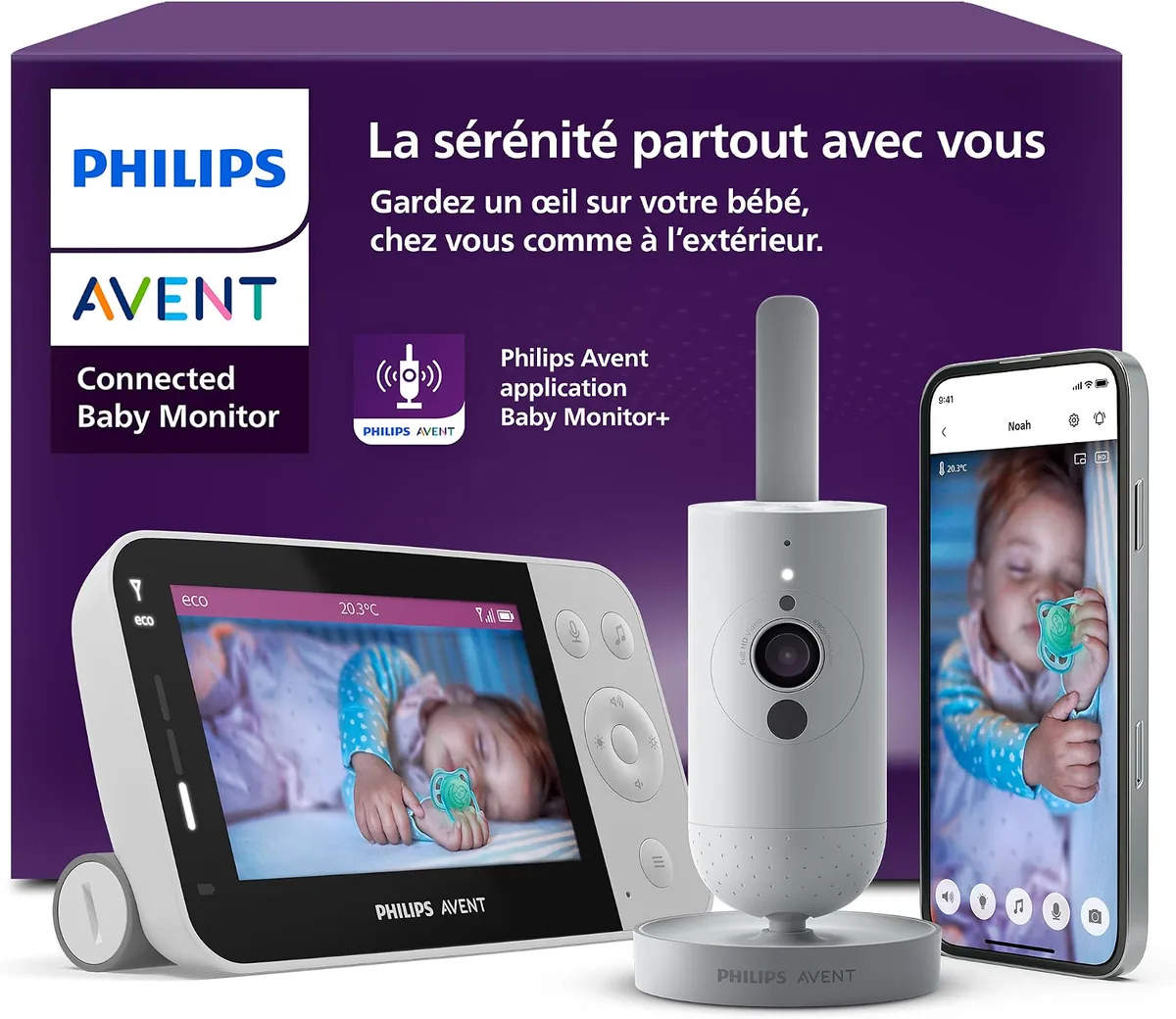
Take everything out of the box and check that nothing is missing. The stated contents for the SCD951/26 are a parent unit, a baby unit, a power supply with adapter and a USB-C to USB-A cable, plus access to the Baby Monitor+ app. Keep the instructions and proof of purchase somewhere you can find them. If anything is missing or looks damaged, contact the seller before using the device.
Have a USB charger ready for the parent unit if you do not already own one: one published review points out that the box contains only one power supply. Put plastic bags out of children’s reach straight away.
2. Charge the parent unit
Before using it for the first time, fully charge the parent unit. The 12-hour battery life stated by Philips applies in Eco mode, after a full charge. A new, partly charged battery would give you the wrong idea of the real battery life. While it charges, use the time to choose where the camera will go.
3. Choose where the camera goes
This is the most important step. The camera and its cable must stay at least one metre from any part of the cot, crib or playpen: the US Consumer Product Safety Commission asks for at least three feet, after several deaths of infants strangled by a baby monitor cable. Never on the cot rail, never hooked onto the bars, never on a piece of furniture right next to the cot.
- Find a socket near the chosen spot, so that the cable does not cross the room.
- Choose wall mounting up high or a chest of drawers well away from the cot, which the child cannot climb.
- Avoid placing the camera facing a window, which dazzles the picture during the day.
- Keep it away from a bright night light, which interferes with night vision.
4. Fix the camera and tidy the cable
If you mount the camera on the wall, as Philips allows, follow the instructions for the bracket and screws. Then run the cable down the wall to the socket, held in place with adhesive clips or a cable channel, with no hanging loops. The cable must never run behind or under the cot, or above the mattress. Check that no part of the cable is within reach of a child standing up in the cot: children grow fast and pull on anything they can grab.
5. Switch on both units
Plug in the baby unit, which runs on mains power only, then switch on the parent unit. According to Philips, the two units come pre-paired: the picture should appear without anything else to do. If it does not, check the connection section of the instructions, and bring the two units closer together for a first test.
6. Frame the picture
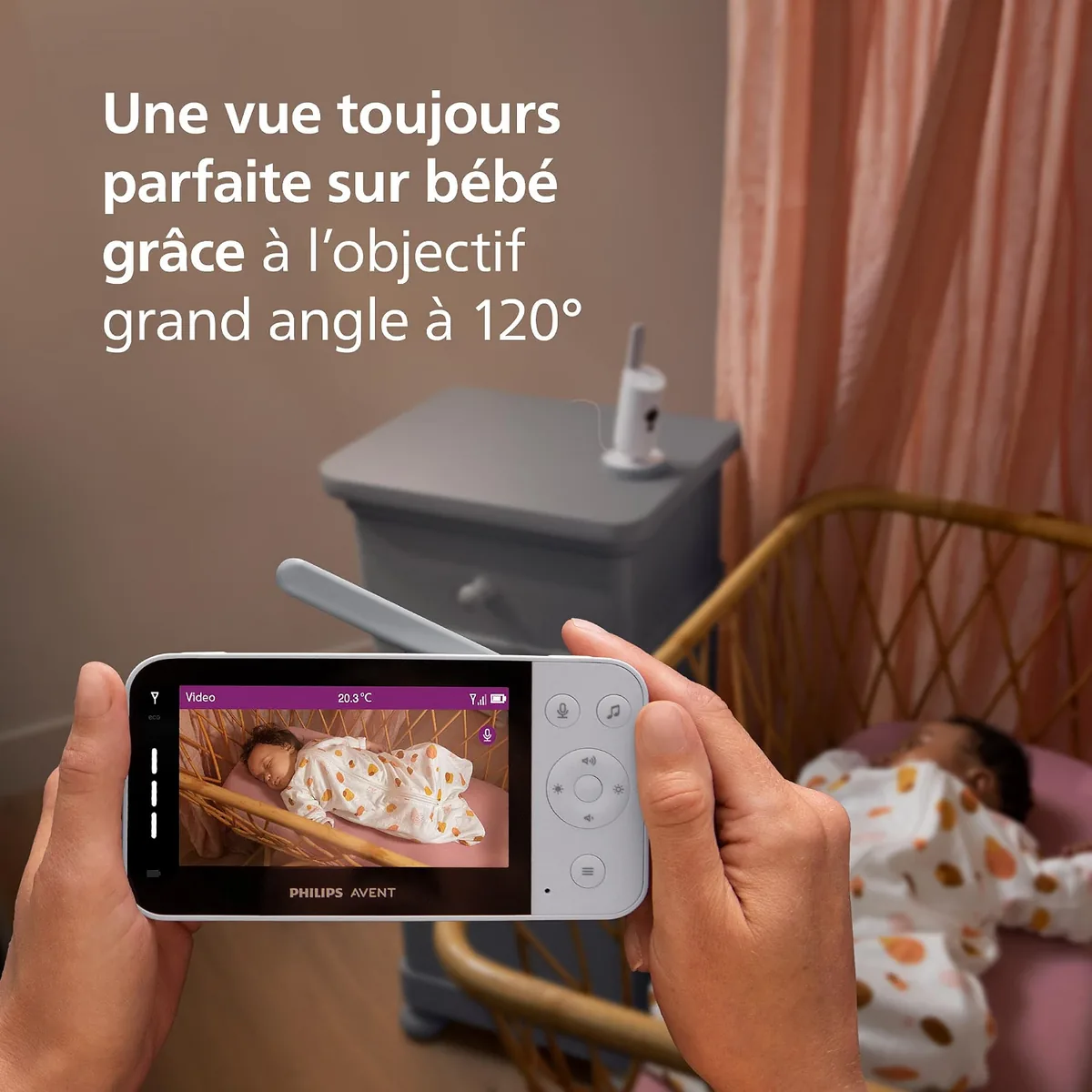
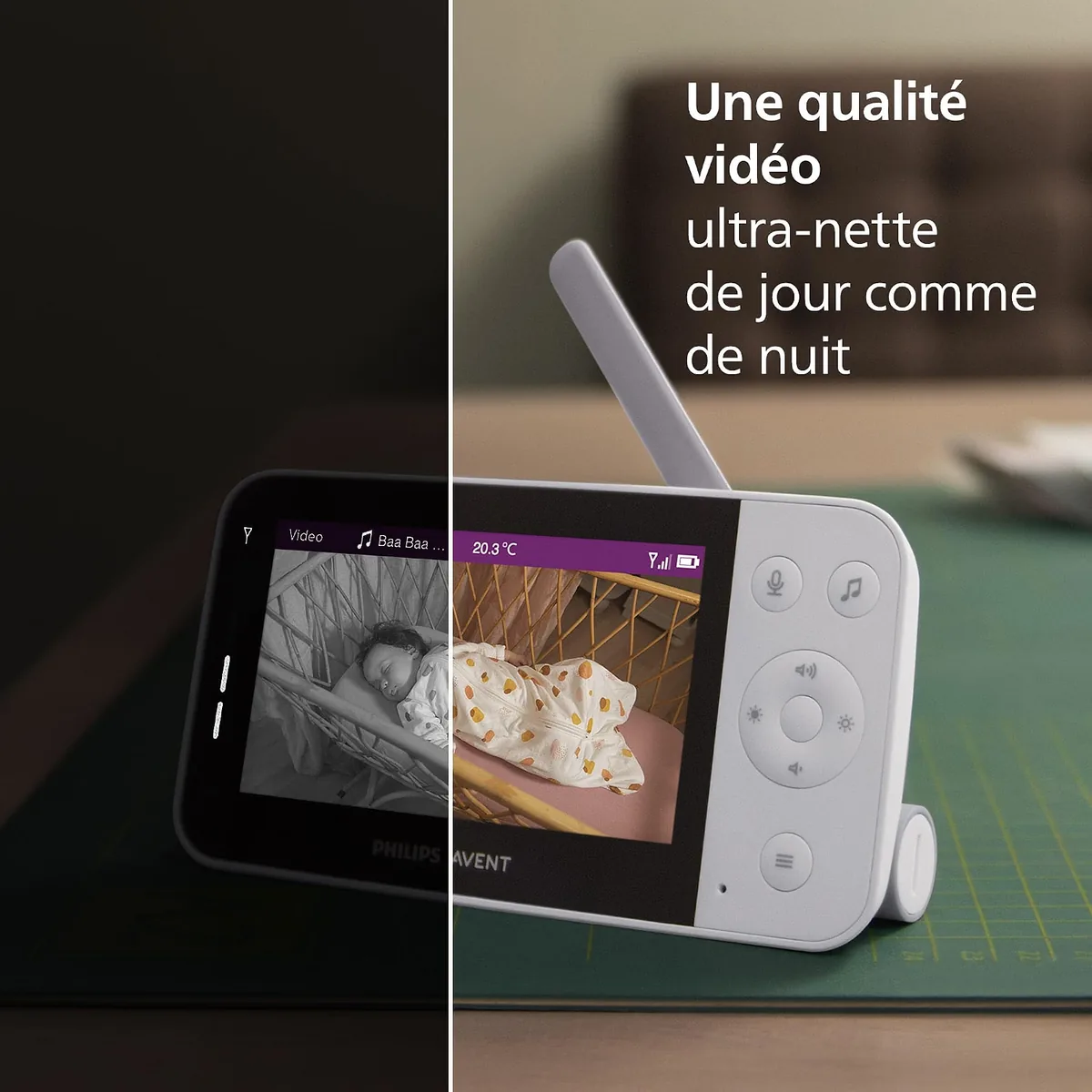
Tilt the camera by hand to see the whole mattress. The 120° wide-angle lens covers a whole cot from more than one metre away. Check the framing on the parent unit’s screen, then try the digital zoom with pan to make sure you can enlarge your baby’s face. Switch off the light in the room and check that night vision comes on and the picture stays readable.
7. Adjust sound, brightness and alerts
Set the microphone sensitivity: too high and the screen will light up at the slightest sigh; too low and you may not hear quiet crying. Start at a medium level, then adjust over a few nights. Lower the screen brightness for the night, and remember the audio-only mode, which turns off the picture and saves the battery. Finally, check the alerts listed by Philips: low battery, connection lost, temperature, sound and motion. Always keep the connection lost alert switched on.
8. Test the range around the house
Go round the rooms where you will be: living room, kitchen, bedroom, garden. One person stays near the camera and talks softly, the other checks the picture and sound on the parent unit. The stated ranges, 50 metres indoors and 400 metres outdoors, are maximums; walls, floors and wireless devices can reduce them. Note the areas where the signal weakens and where the connection lost alert goes off. Our calculator helps you prepare this test.
9. Connect the app, if you want to
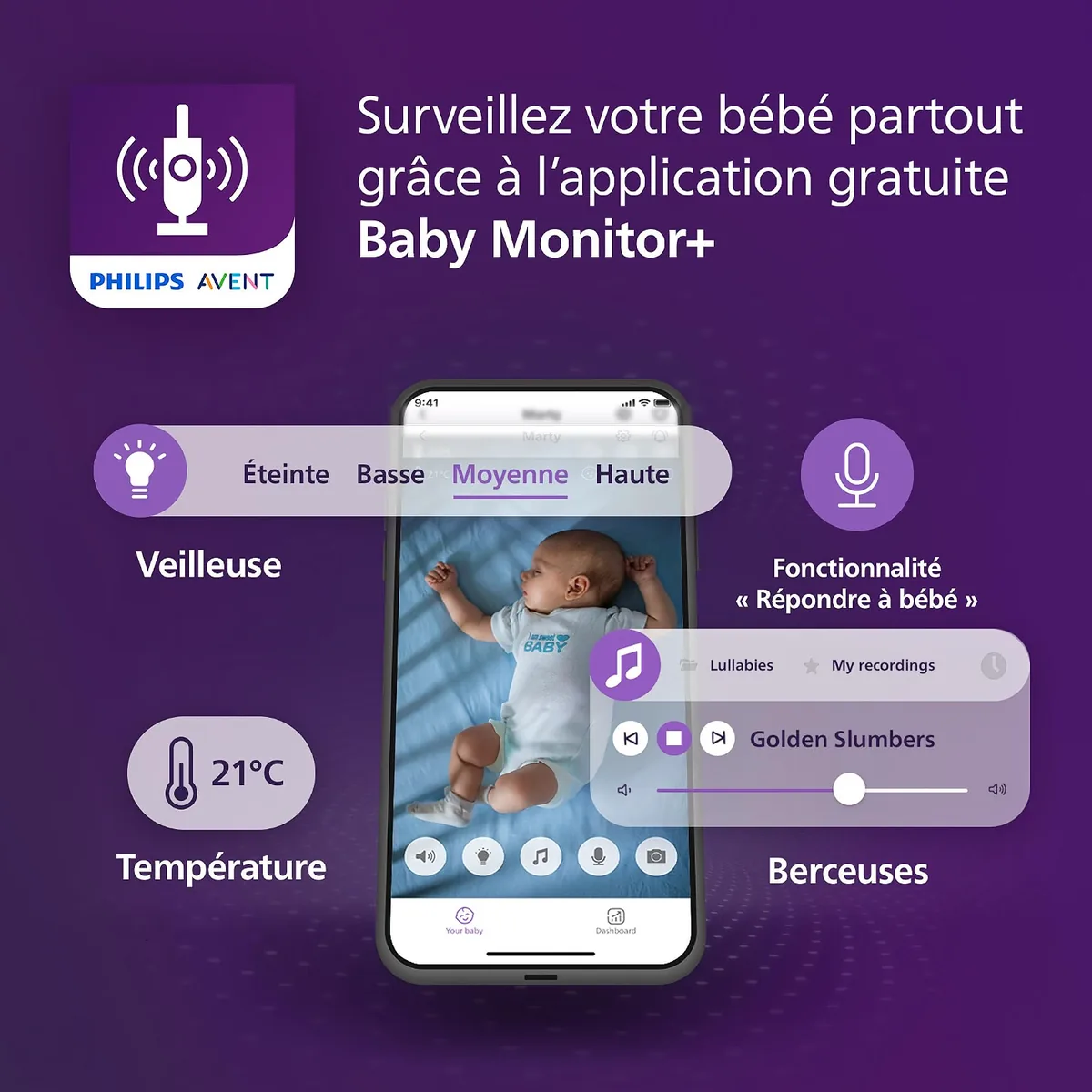
The Baby Monitor+ app, on iOS 11 and Android 6 and later, is optional. If you install it, follow the instructions to link the camera to your Wi-Fi and create your account. Choose a long, unique password, different from your other accounts, turn on updates, and check who has access to the camera. Then test access over mobile data, with your phone’s Wi-Fi switched off, to be sure the picture comes through when you are away. Our article on watching your baby remotely details these settings.
10. Before the first night
Plug the parent unit in on your bedside table, brightness at minimum. Check one last time the distance between the camera, its cable and the cot. Put your baby down on their back, on a flat surface, in their own cot, with nothing around them, in a room between 18 and 20 °C. The baby monitor is a relay: it replaces neither safe sleep nor regular checks by an adult.
Regular checks
- The camera and all cables are more than one metre from any part of the cot.
- The cable is fixed along the wall, with no loops and no extension lead under the cot.
- The day and night picture is sharp and frames the whole mattress.
- The connection lost alert is switched on.
- The app and the baby monitor are up to date, and the account password is strong.
- The parent unit is charged or plugged in for the night.
An eye on your baby, anywhere.
Full HD camera · Night vision · With or without Wi-Fi · Talk back · 12 h in Eco mode. The price changes often on Amazon: check it, along with the seller, the exact model number (SCD951/26) and what is in the box, before you order.
Check the price on AmazonAffiliate link · new tab