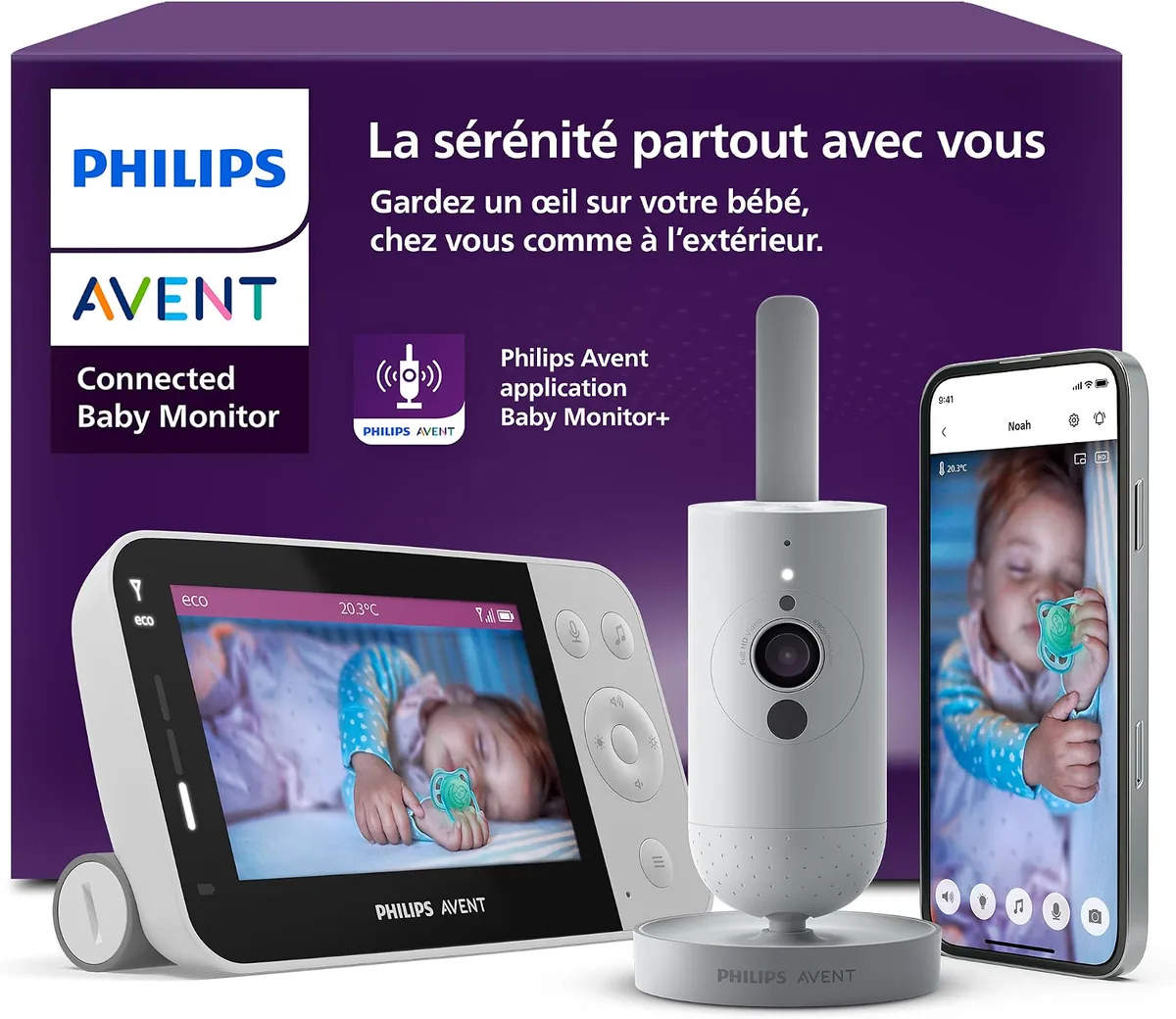
Baby monitor range and battery life: what you need to know
“Up to 400 metres”, “12 hours of battery life”: the figures on product listings are maximums. Here is how to read them, how to test the range in your home and how to make the parent unit’s battery last.
Contents
What the figures really say
When a manufacturer states a range, it gives a maximum distance measured in favourable conditions. Philips, for example, states “up to 400 metres outdoors and 50 metres indoors” between the parent unit and the baby unit for the SCD951/26. The outdoor value corresponds to open ground, with no obstacle between the two devices. The indoor value allows for a few obstacles, but not necessarily the ones in your home.
In your home, the real range can be much shorter, or sometimes enough with a good margin. It all depends on the walls, floors, furniture, other wireless devices and where the two units are placed. The only way to know your range is to test it.
Walls, floors and materials
Radio waves pass through materials more or less easily. A plasterboard partition lets them through easily. Hollow brick weakens them a little. A thick stone wall, a reinforced concrete wall or a floor slab between two storeys weakens them much more. Metal blocks them: a metal cupboard, a fridge, a large mirror, a fire door, some heat-treated glazing.
Count the obstacles between the nursery and the rooms where you will be. A nursery and a living room separated by a light partition will rarely cause problems. A nursery on the second floor of a stone house and a kitchen on the ground floor, separated by two floor slabs and several load-bearing walls, can put the link to the test, even at fifteen metres.
Interference
Many devices in the home use the same frequency band as many baby monitors: the 2.4 GHz band, on which the SCD951/26 works according to its specification sheet. The Wi-Fi router, repeaters, some cordless phones, smart devices, Bluetooth speakers and a running microwave transmit on this band or close to it. Manufacturers design their devices to coexist, but a concentration of devices can reduce the quality of the link.
If the picture freezes or the sound cuts out always in the same place or at the same time, look for the device that might be causing it: the router right next to the parent unit, the microwave running, a Wi-Fi repeater in the way. Moving the parent unit a few metres away from these devices is often enough.
Testing the range at home
- Install the camera in its final spot, more than one metre from the cot, plugged in.
- One person stays near the camera and talks softly, or makes a light noise.
- The other moves around with the parent unit in every room where it will be used: living room, kitchen, bedroom, study, utility room, cellar, garden.
- In each room, note the quality of the picture and sound and the signal indicator.
- Find the areas where the picture freezes and where the connection lost alert goes off.
- Repeat the test with doors closed, as at night, and at different times of day.
This test takes a quarter of an hour and saves you unpleasant surprises. Our calculator gives you a first estimate from the manufacturer’s data, before the real test.
Improving a weak link
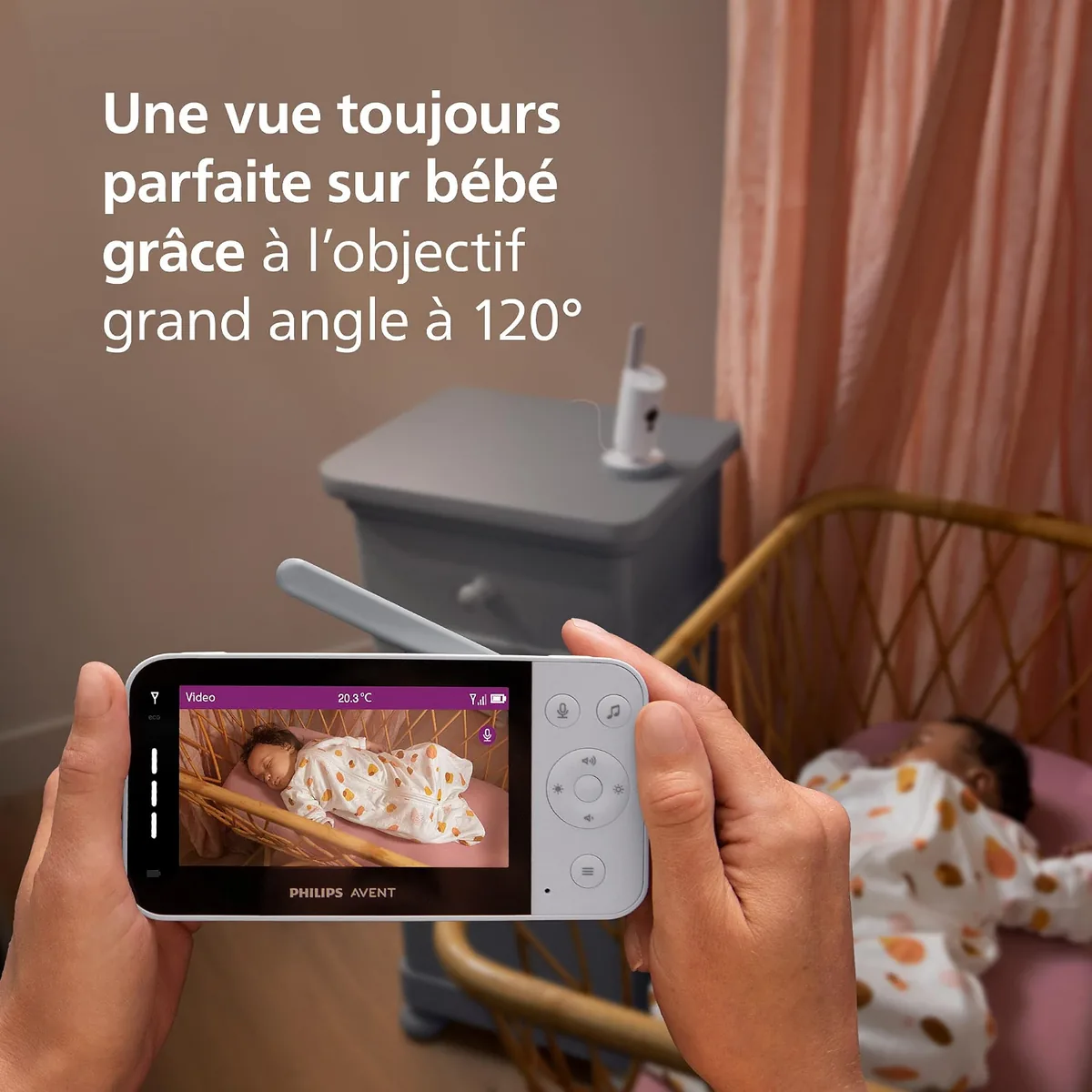
If a room is poorly covered, first try moving the parent unit a few metres within the room: near an open door, higher up on a piece of furniture, away from a thick wall or a household appliance. Then, if possible, move the camera, always more than one metre from the cot: sometimes turning it a quarter turn or placing it on the opposite wall changes the link a lot.
Keep the router and Wi-Fi repeaters away from both units. If a room remains out of range, accept it: you will know that you need the app there, or should not stay there long while your baby sleeps. Never try to gain range by moving the camera closer to the cot.
In the garden and on the landing
The stated outdoor range assumes open ground between the two units. In the garden, the camera is inside the house, behind a front wall, windows and sometimes metal shutters. The real range will therefore be shorter than the stated outdoor value, and will depend a lot on where you are in relation to the nursery window.
Walk around the garden with the parent unit during a test nap. Find the area where the link stays stable, and keep the parent unit in the shade: heat damages batteries and makes the screen unreadable. On a block of flats’ landing or at a neighbour’s across the hall, the link often passes through thick walls and concrete stairwells: test before relying on it.
When the app takes over
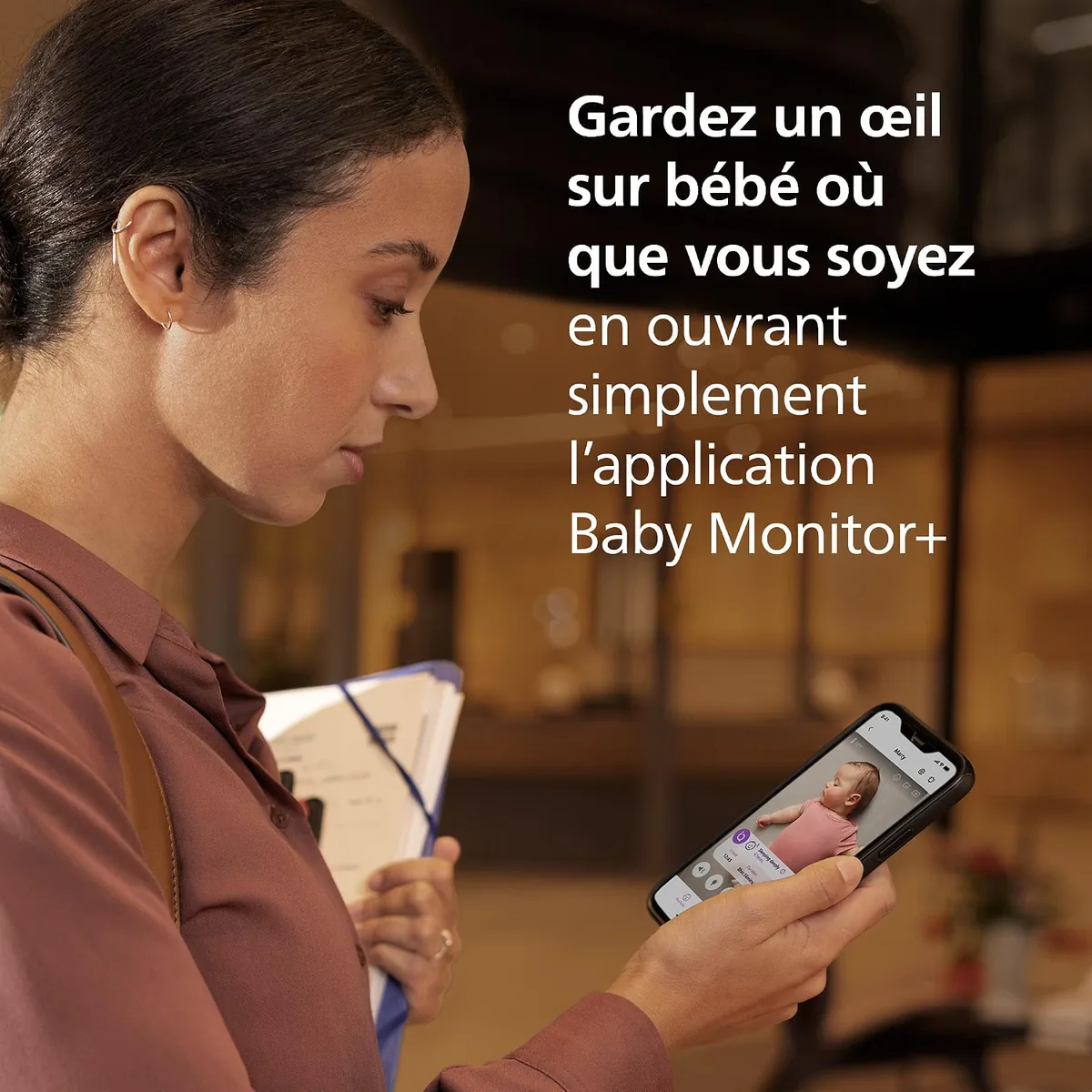
With a hybrid model, the app takes over when the direct link is no longer enough. Philips states unlimited range through the Baby Monitor+ app, as long as there is an internet connection, over Wi-Fi or mobile data. At the far end of the garden, at the neighbours’ or at the office, it is the app that gives you the picture.
The app depends on your router and your mobile network: an internet outage or an area with no signal leaves you without a picture. For the night, the dedicated screen over the direct link remains more reliable. Our article on watching your baby remotely with the app details its uses and precautions.
Stated battery life
Stated battery life is also a maximum, measured in a specific mode. Philips states “12 hours in Eco mode” for the SCD951/26 parent unit, with a note specifying “in Eco mode after a full charge”. In constant video mode, with a bright screen and high volume, the real battery life will be shorter. One published review reports needing to recharge after a nap and an evening of use.
Always read the note at the bottom of the specification sheet. A battery life given without stating the mode is hard to compare. And keep in mind that the baby unit, on most video baby monitors, runs on mains power: this is the case for the SCD951/26. Only the parent unit depends on its battery.
Making the battery last
- Use Eco mode or audio-only mode when you do not need the picture constantly.
- Lower the screen brightness: it is often the biggest drain.
- Let the screen switch off by itself and come back on when your baby makes a sound.
- Keep the volume reasonable.
- Avoid leaving the parent unit in full sun or near a radiator.
- Plug the parent unit in at night, and keep the battery for naps and the garden.
Charging the parent unit properly
Before first use, do a full charge. After that, plug the parent unit in whenever you can, especially at night: a low battery alert at 3 a.m. is unpleasant, and a flat battery leaves you without alerts. The SCD951/26 charges through a USB-C cable, according to the stated box contents. One published review points out that you need a USB charger for the parent unit: a good-quality phone charger is generally fine, after checking the instructions.
While charging, put the parent unit on a hard surface, not on a bed or a cushion that would stop heat from escaping.
When the battery ages
Like all rechargeable batteries, the parent unit’s battery loses capacity over the years and charging cycles. A baby monitor that lasted a day of naps in the first year may need a recharge in the afternoon by the third. That is not a fault, it is normal wear. If you plan to keep the baby monitor for a long time or reuse it for a second child, ask the manufacturer about replacement options and spare parts.
If the battery swells, gets unusually hot or the unit switches off suddenly, stop using it and contact customer service. Do not try to open it yourself.
The connection lost alert
This is your baby monitor’s most important alert, and it is directly linked to range. It warns you when the parent unit is no longer receiving anything: you have gone out of range, the camera has been unplugged, interference is cutting the link. The SCD951/26 has one, according to Philips. Always keep it on, and take it seriously: when it goes off, go and check or move closer.
During your range test, note exactly where it goes off. You will then know which rooms to avoid while your baby sleeps, or where the app needs to take over.
What happens in a power cut
Since the baby unit of most video baby monitors, including the SCD951/26, runs on mains power only, a power cut switches off the camera. The parent unit, running on its battery, stays on but no longer receives anything: this is exactly the situation the connection lost alert is designed for. That is one more reason never to switch it off.
A power cut also takes down the router, so the app no longer receives anything either, even away from home. During a cut at night, the baby monitor can no longer help you: go and check on your baby directly, as you would without a device. Once the power is back, check that the baby unit has restarted and that the picture has returned on the parent unit before going back to sleep. If cuts are frequent where you live, keep the parent unit charged as a matter of routine, so that it can at least alert you as soon as the link drops.
Range by type of home
A single-level flat
In most flats, distances stay short and partitions are light. The direct link generally covers the whole home. The areas to check are the bathroom, often tiled, the kitchen with its appliances, and the balcony if the outside wall is thick.
A house with an upstairs
Floor slabs between storeys are the main obstacle. Test in particular the room diagonally opposite the nursery: a bedroom upstairs at the front and a kitchen downstairs at the back combine distance, a floor slab and load-bearing walls.
An old stone house
Thick stone walls weaken the signal heavily. Two neighbouring rooms can be hard to link. Put the parent unit near an open door, and plan to use the app as a relay if a room remains out of range.
A home with a cellar, garage or utility room
A basement utility room or a garage with a metal structure is often poorly covered. Test them specifically, because that is where you go during a nap to start a wash.
Repeat this test after any change: new router, new furniture, camera moved or building work in the home.
Common mistakes
- Relying on the stated range without testing at home.
- Putting the parent unit right next to the router or the microwave.
- Moving the camera closer to the cot to gain signal.
- Relying on the battery for the whole night without plugging in the parent unit.
- Muting the connection lost alert because it goes off in a poorly covered room.
The last mistake is the riskiest: an alert that goes off is telling you that you are no longer receiving anything. Better to change rooms than to silence it.
If your home is large or complicated, keep a written record of the test: a simple list of rooms that are well covered, moderately covered and out of range. Share it with the other parent and whoever looks after your baby, so that everyone knows where to be during naps.
Range and short trips outside
Fetching the post, putting the bins out, chatting with a neighbour on the pavement: these short trips of a few minutes raise the question of range. If the parent unit keeps the signal, you stay informed. If the connection lost alert goes off, go back in. In any case, these moments must remain very short and very close by: a baby monitor never allows you to go off and leave a child alone in the home.
During your test, note how far the link holds in front of the house or on the landing. That way you will know where you stand, without having to find out on the day you need it.
The SCD951/26 figures
| Data | Value stated by Philips | What to remember |
|---|---|---|
| Indoor range | Up to 50 m | Maximum; walls and floors reduce it |
| Outdoor range | Up to 400 m | In open space |
| Range via the app | Unlimited, with internet | Depends on the router and mobile network |
| Frequency band | 2.4 GHz | Shared with many devices |
| Parent unit battery life | 12 h in Eco mode | After a full charge; less in continuous video |
| Baby unit power | Mains only | A socket is needed, away from the cot |
Our specifications page lists all the data, and our review puts them in perspective.
Frequently asked questions
Why is my range shorter than stated?
Stated ranges are maximums in favourable conditions. Walls, floors, metal and wireless devices reduce them.
Does the baby monitor work between two floors?
Often yes, but a concrete floor slab weakens the signal a lot. Test before the first night.
Does the parent unit last all night?
For the SCD951/26, Philips states 12 h in Eco mode. The safest option is still to plug it in at night.
Can the router interfere with the baby monitor?
It can disrupt the link if it is very close to one of the units. Move it a few metres away.
An eye on your baby, anywhere.
Full HD camera · Night vision · With or without Wi-Fi · Talk back · 12 h in Eco mode. The price changes often on Amazon: check it, along with the seller, the exact model number (SCD951/26) and what is in the box, before you order.
Check the price on AmazonAffiliate link · new tab